 Autofill Forms
Fill any form
by picking a profile
Save your name, address, phone and email once. On any web form, open the extension and pick a profile — the empty fields are filled for you.
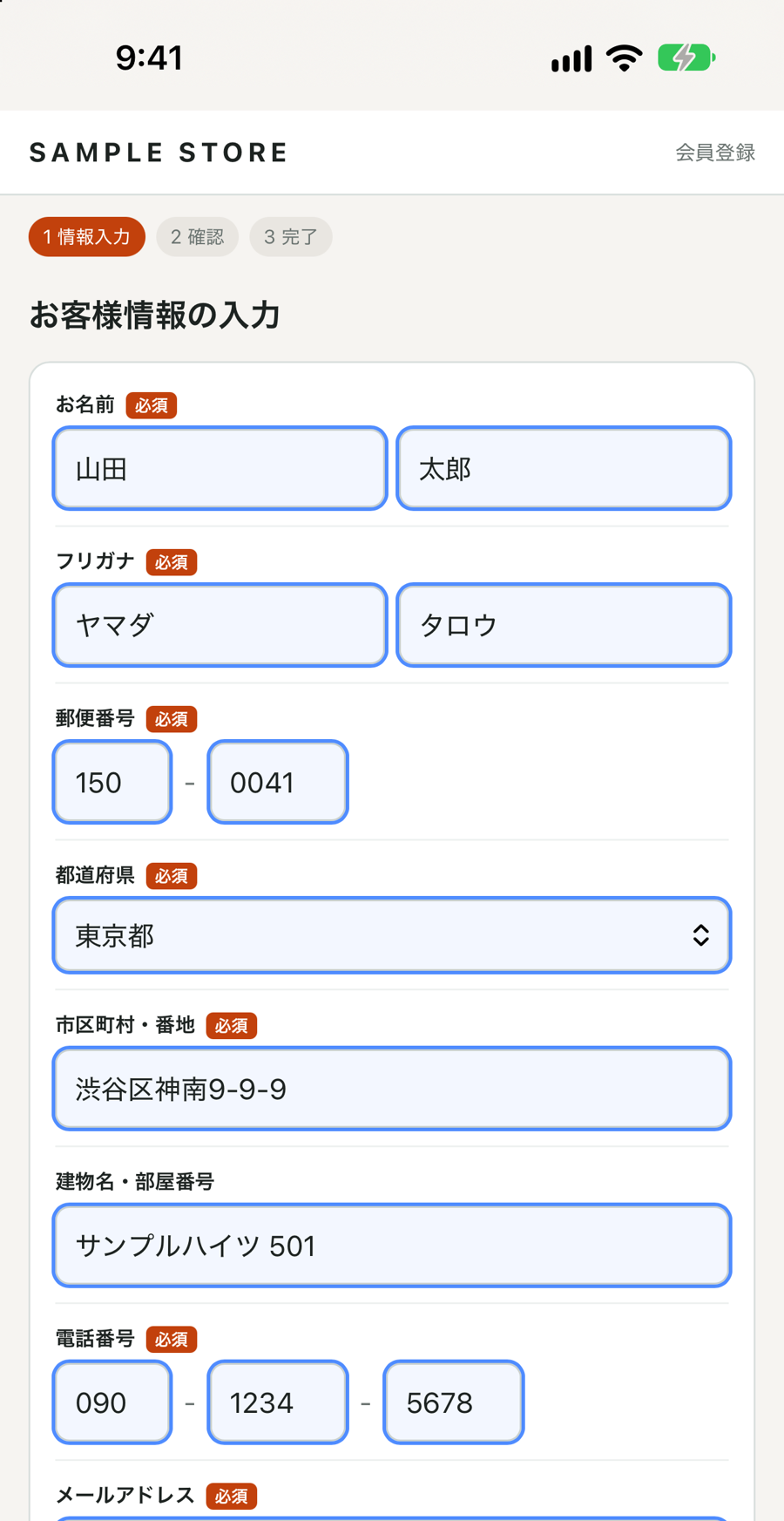
Multiple profiles
Home, work, family… Save up to 10 and choose the one you need each time.
Handles tricky forms
Split phone and ZIP fields, forms without autofill hints, and Japanese forms with furigana (kana) fields.
Per-site Gmail aliases
Optionally fill you+sitename@gmail.com, so you can tell which site shared your address.
Private by design
Your profiles stay on your device. No account, no server, no tracking.
How it works
- Save your profiles in the app or in the extension settings.
- On a form, open the extension from the Safari menu or the Chrome toolbar.
- Pick a profile. Empty fields are filled — review them and submit yourself.
On your iPhone and your computer
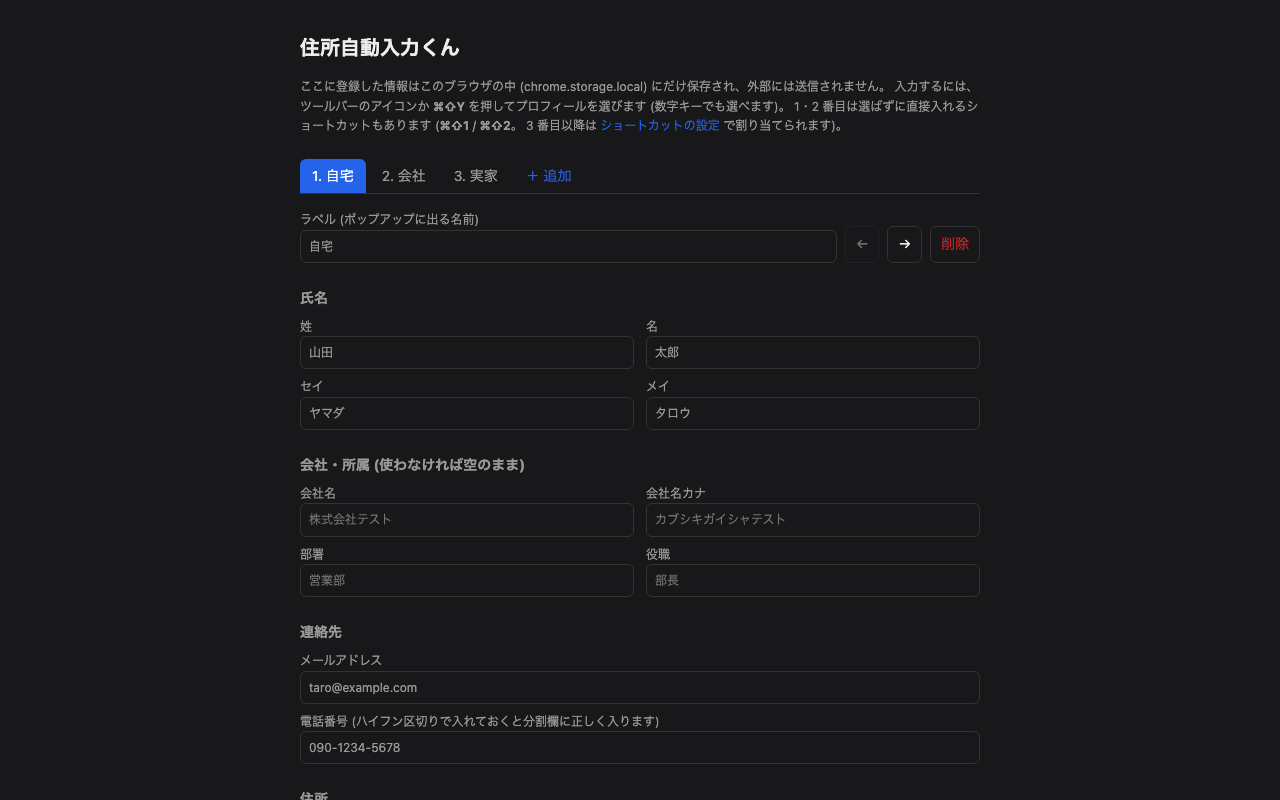
Same service on both. Profiles are saved separately on each device (no sync).